Pictures and video, too
QuickAI installs ComfyUI when you ask, with video models such as LTX-Video and Wan 2.2. This clip came from LTX-Video on an office desktop with no graphics card, in under three minutes.
Private AI for everybody
Private AI tools that anyone can run. No account, no cloud, and nothing you type leaves your machine.
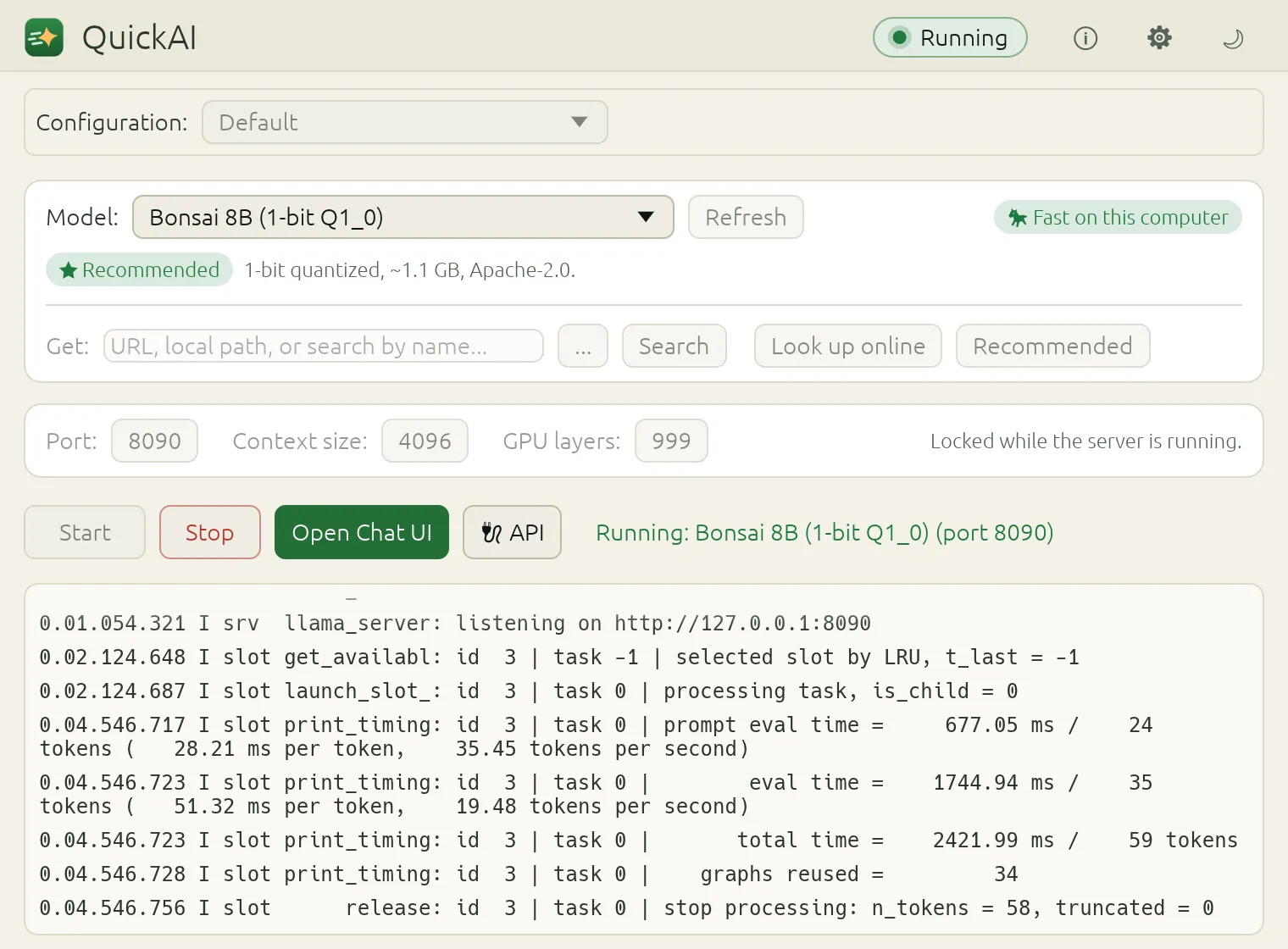
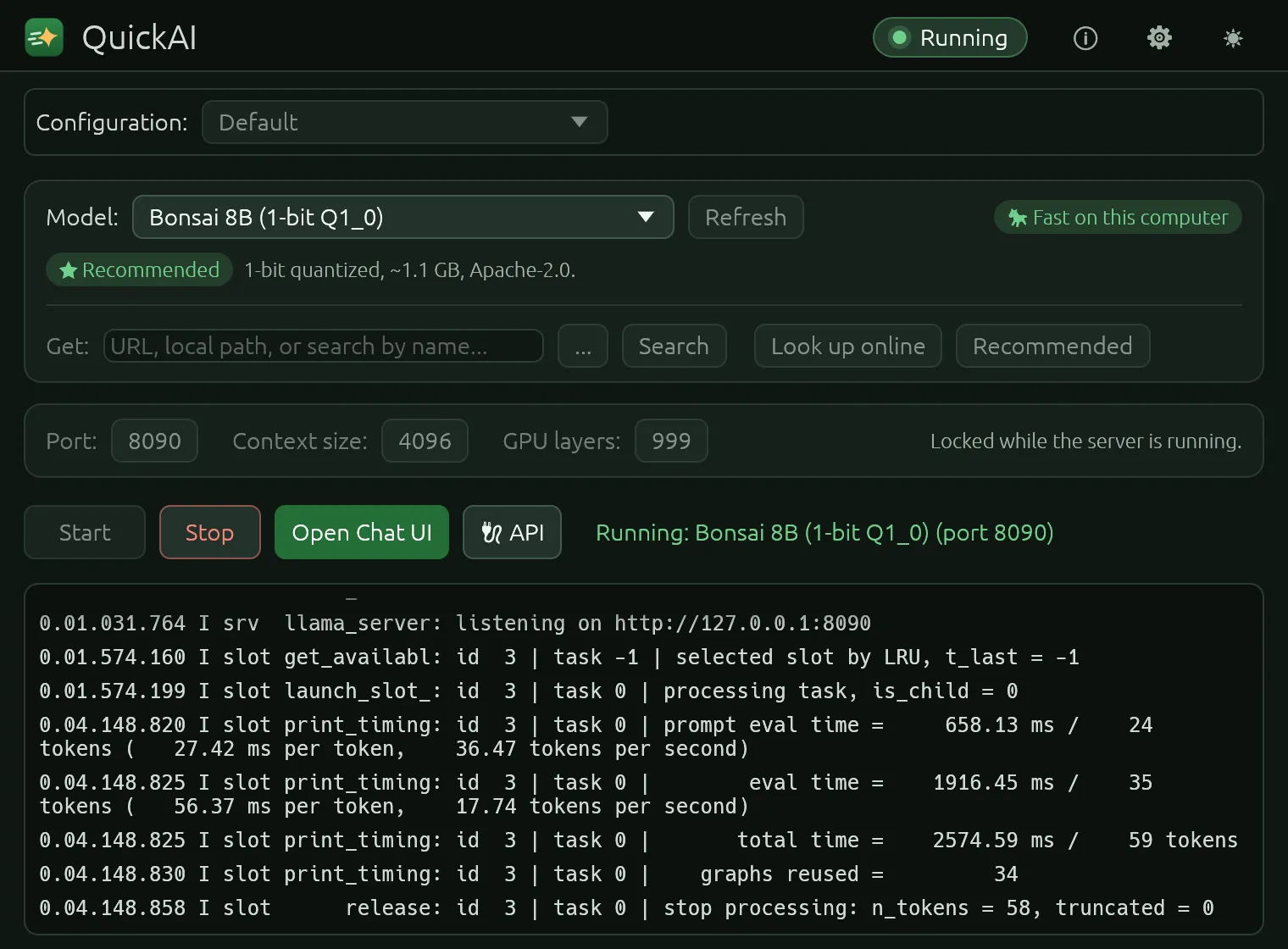
QuickAI ships with one and suggests others that fit your computer.
The model server starts on your machine, and the pill turns green.
In your browser, or from the apps you already use, through a local API.
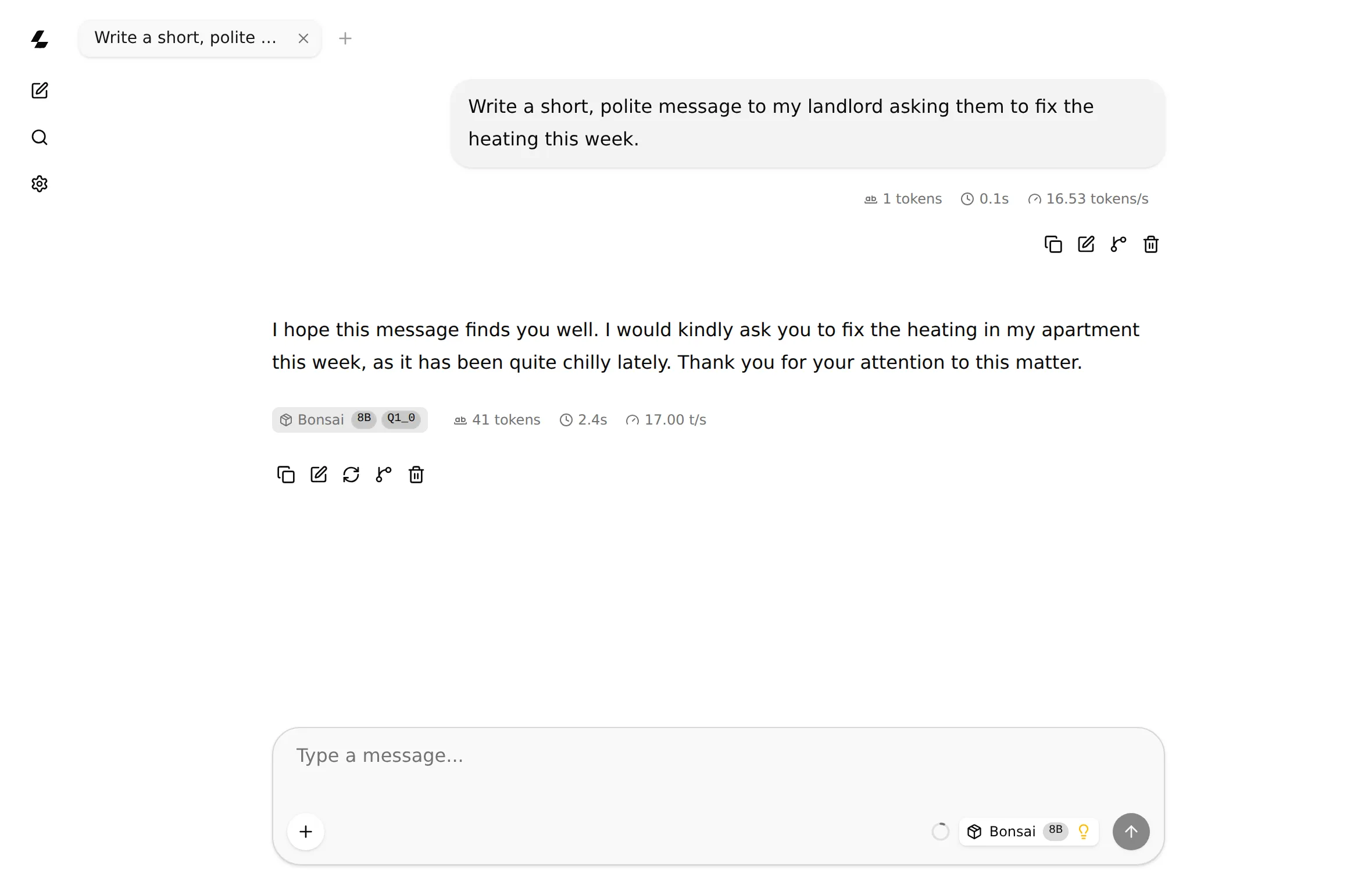
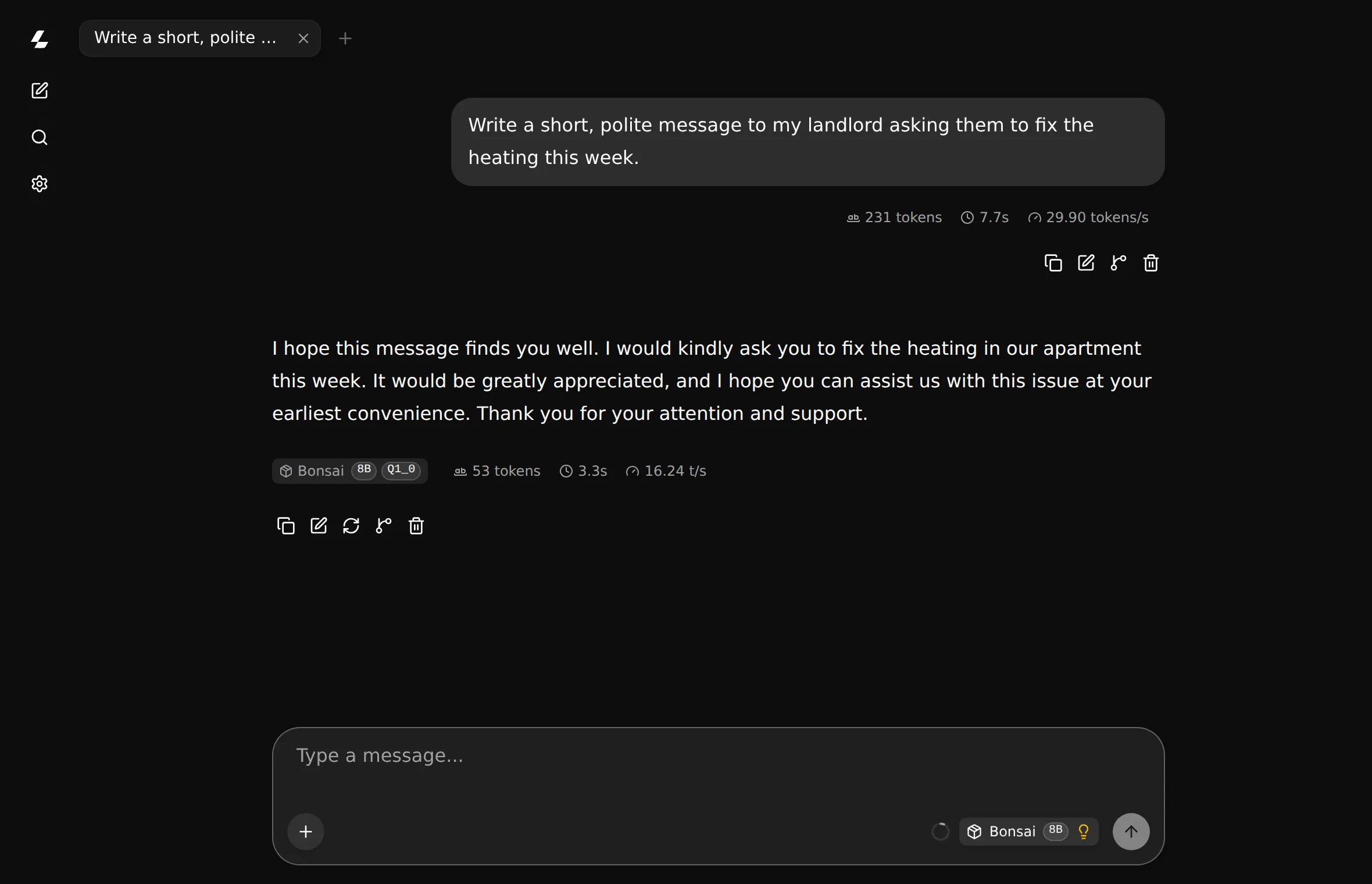
QuickAI installs ComfyUI when you ask, with video models such as LTX-Video and Wan 2.2. This clip came from LTX-Video on an office desktop with no graphics card, in under three minutes.
Reasoning and coding models, from small and quick to large and capable.
Vision models describe pictures. Speech and OCR models turn recordings and scanned pages into text.
80+
Picked and tested, and each file is checked against its SHA-256 as it arrives.
An OpenAI-compatible API, on your own machine.
curl http://127.0.0.1:8080/v1/chat/completions \
  -d '{"messages": [{"role": "user",
"content": "Hello!"}]}'Engine, model and settings, in a small file you can send to a colleague. Your paths and secrets are never in it.
Privacy you can check
QuickAI's servers listen on 127.0.0.1, an address only your own computer can reach. What you type goes from your browser to the model and back, and never further.
Your computer
127.0.0.116-20 tokens a second
Bonsai 8B on a 2020 office desktop (Intel Core i7-10700), using only its built-in Intel graphics, measured over several runs.
1.1 GB
The model QuickAI comes with. Squeezed to 1 bit, an 8-billion-parameter model fits an ordinary laptop's memory.
0 graphics cards needed
A graphics card makes it faster, through Vulkan on AMD, NVIDIA and Intel. The processor alone also works.
Chat, code, pictures and video with AI models that run on your own computer.
A desktop app for Windows and Linux. It ships with a model, so the first chat needs no download, and 80+ more are a click away.
Fill in PDF forms with AI, without uploading them anywhere.
Tax forms, applications, contracts: the documents you'd least like to hand to a cloud service, read and filled on your own machine.
Make pictures and video privately, on your own hardware.
Image and video generation without accounts, credits or a server somewhere seeing your prompts.
QuickAI 0.1.0 is being prepared for Windows and Linux. Leave your email and we'll write when it's out.
For organizations
Clinics, law firms, accountants, schools and public offices can give people AI on their own desktops and servers, with nothing sent outside.
Talk to usThe desktop app, set up once and shared as a configuration file.
quickai-run starts the same setup headless, reachable only through your own network.
Once the models are in place, nothing needs the internet.
A commercial license, with the scope and support your organization needs.
Yes, for personal and other noncommercial use: learning, hobbies, research, charities, schools and public institutions. Using it in or for a business needs a commercial license.
From commercial licenses and support for organizations. There are no ads, no data to sell and no paid tier for individuals.
No. A graphics card makes models faster (QuickAI uses Vulkan on AMD, NVIDIA and Intel graphics), but everything also runs on the processor alone.
It's source-available. Anyone can read, build and change the code for noncommercial use, under the PolyForm Noncommercial License. It isn't open source in the strict sense, because commercial use needs a license.
Windows 10 and 11, and Linux with glibc 2.34 or newer (Ubuntu 22.04 and later). macOS is not packaged yet.
Yes. It comes with a model, so your first chat needs no download, and any model you've downloaded keeps working without an internet connection.
Only what you ask for: searching for and downloading models, and installing an engine. There is no telemetry, no account and no automatic update check.